

Skip to content
IdeaScore
Applicant portal

Applicants always know where their submission stands

No password to remember: a magic link signs an applicant in, a status timeline shows exactly where they are, and drafts resume across sittings until the window closes.

How it works

What applicants see

A calm, honest view of where their application stands.

Sign-in

A magic link, not another password

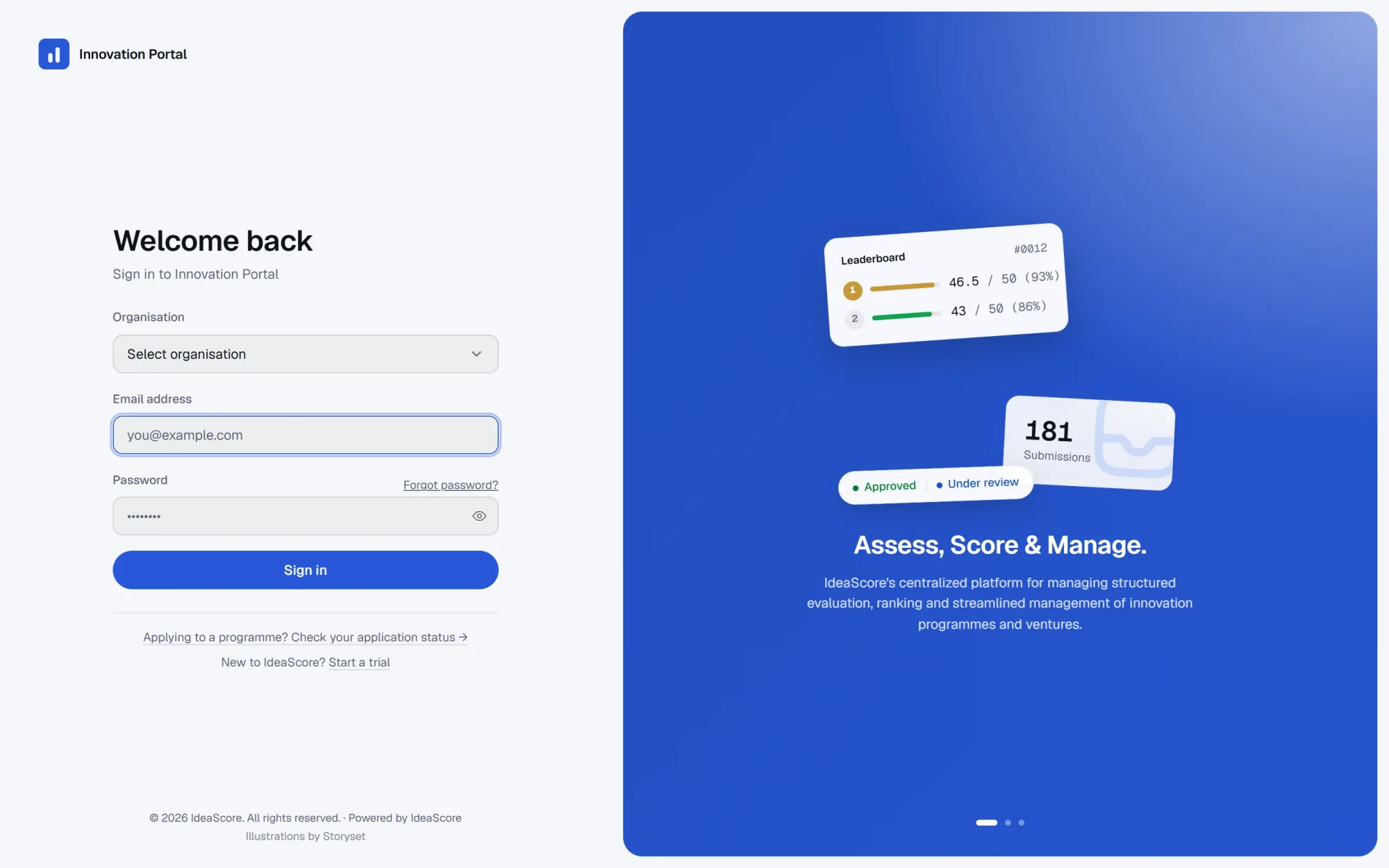
Applicants sign in with an email address; a one-time link lands in their inbox and signs them straight into their submission, with nothing to remember between sittings.
  • Email-only sign-in, no password to set
  • Links expire after use, for security
  • Works the same for first-time and returning applicants
  • Sends from the programme's own branded email
The IdeaScore sign-in screen, where an applicant enters an email address to receive a magic link
Status timeline

A status the applicant can actually read

Every submission moves through the same visible stages, from submitted to result, so an applicant never has to email the programme to ask what is happening.

  • Submitted, under review, approved, evaluation, result
  • Dates recorded as each stage is reached
  • The same timeline the programme team sees, simplified
  • Notified by email as the status changes

Submitted

02 Sep 2026

Under review

08 Sep 2026

Approved

14 Sep 2026

Evaluation

In progress

Result

Expected 30 Sep 2026

Drafts and edits

Resume a draft, edit or withdraw before the deadline

Drafts save on the server as an applicant works, so they can leave and come back across sittings and devices. Submissions can be edited or withdrawn any time before the window closes.

  • Drafts save automatically, resume anywhere
  • Edit a submission until the deadline
  • Withdraw a submission at any time before closing
  • Upload a pitch deck directly to the submission

Your draft

62% complete

Draft saved 2 minutes ago

Resume
Applicant portal

Everything in the applicant portal

  • Magic-link sign-in

    Sign in by email, no password to set or reset.

  • Status timeline

    Submitted through result, in one visible timeline.

  • Edit before deadline

    Update a submission any time before the window closes.

  • Withdraw

    Withdraw a submission before the deadline, with a reason.

  • Resume drafts

    Server-saved drafts resume across sittings and devices.

  • Deck upload

    Upload a pitch deck directly to the application.

  • Email notifications

    Status changes and deadlines land in the applicant's inbox.

  • One account, many programmes

    The same sign-in works across every programme an applicant applies to.

FAQ

Questions from applicants

Do applicants need to set a password?
No. Applicants sign in with a magic link sent to their email address; there is no password to set or reset.
Can an applicant edit their submission after submitting?
Yes, up until the programme's registration window closes. After that, edits go through the programme admin.
What happens to a draft if I close the browser?
Drafts save on the server as you go, so you can close the browser and resume later from the same or a different device.
Can an applicant withdraw a submission?
Yes, at any time before the registration window closes, from the same portal used to submit.
Can a withdrawn submission be resubmitted?
Ask your programme admin whether a withdrawn application can be resubmitted within the same registration window.

Give applicants a portal that answers their own questions

A 30-minute walkthrough of sign-in, status and drafts, using your programme's own form.