

Run many organisations from one console, or run it yourself
Multi-tenant from the ground up: every organisation gets its own workspace, branding, plan and data. Operate it in our cloud, or take the same release and run it on your institution's own server.

- 5
- 4
- 3
- 2
Everything under the programme modules: who the organisation is, what its plan allows, what it looks like to an applicant, who is allowed to do what, and where the whole thing runs.
How the platform works
One console, many organisations
Each organisation is a tenant with its own programmes, users, files and settings, isolated from every other. The platform console provisions a tenant, assigns a plan, sets its feature flags and watches its health. A university group with several campuses can run each as its own organisation while a single operator keeps an eye on all of them.
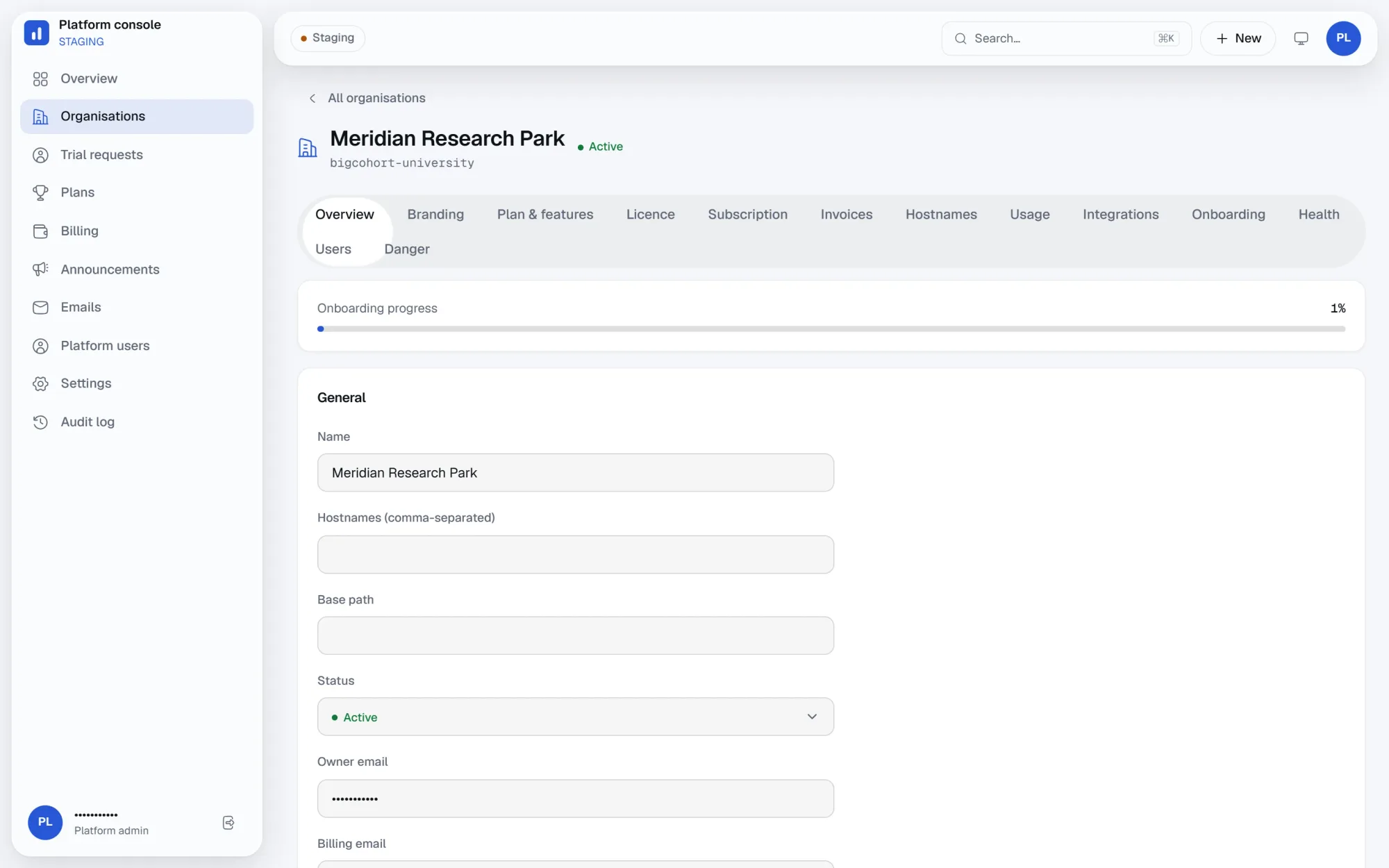
A checklist that gets a new tenant to their first live call
A new organisation lands on a step-by-step onboarding wizard rather than an empty console: brand the workspace, invite the first admins, publish a form. Progress tracks against a visible checklist, so a new tenant is running a call within the hour instead of guessing where to start.
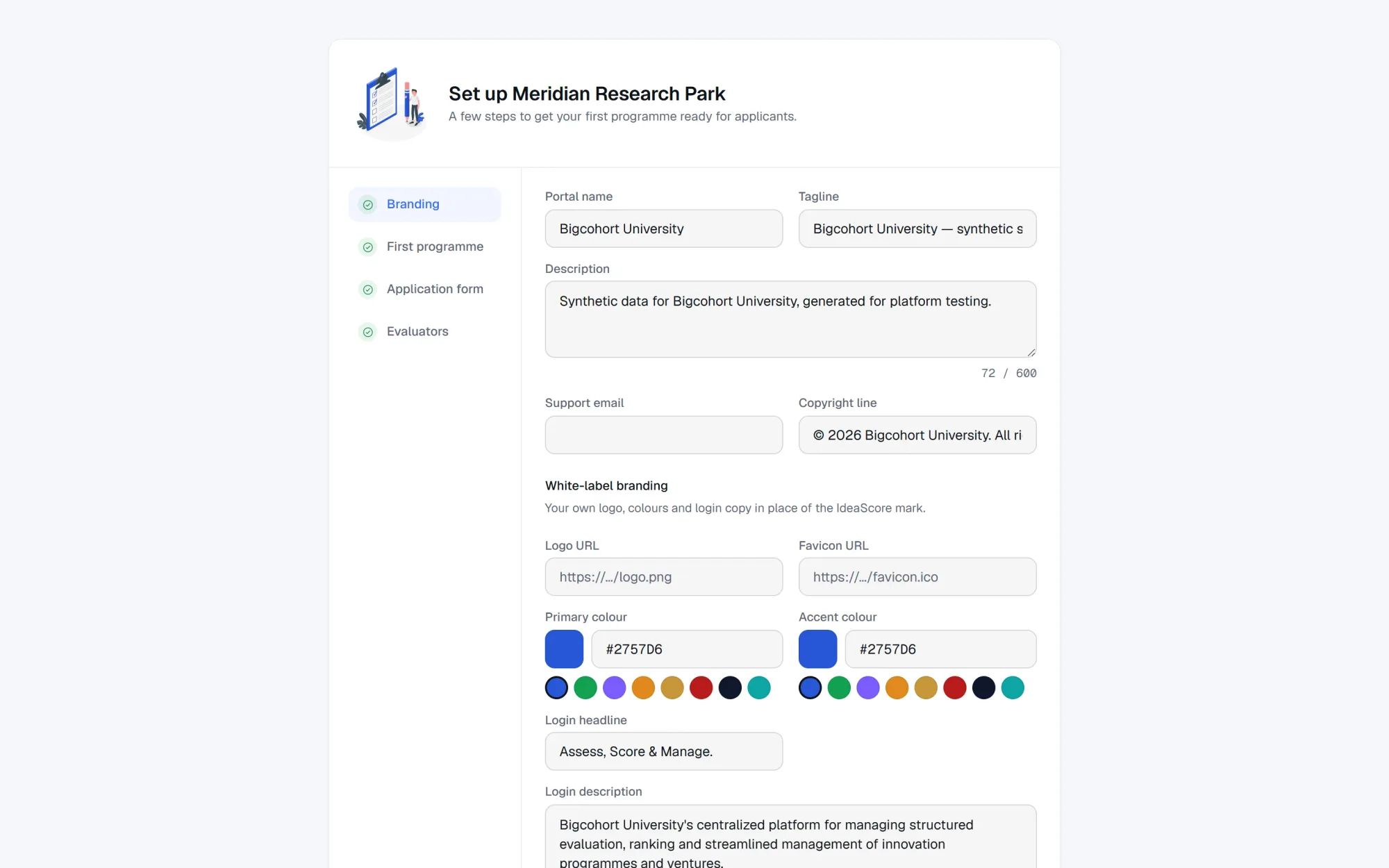
Your logo, your colours, your login page
Branding is delivered per tenant at run time: logo, brand colour, login copy and the product name shown to applicants. A team that lands on your call sees your institution, not ours. Because the whole interface is driven by tokens rather than hard-coded colour, a tenant re-skins without a code change and without a separate deployment.
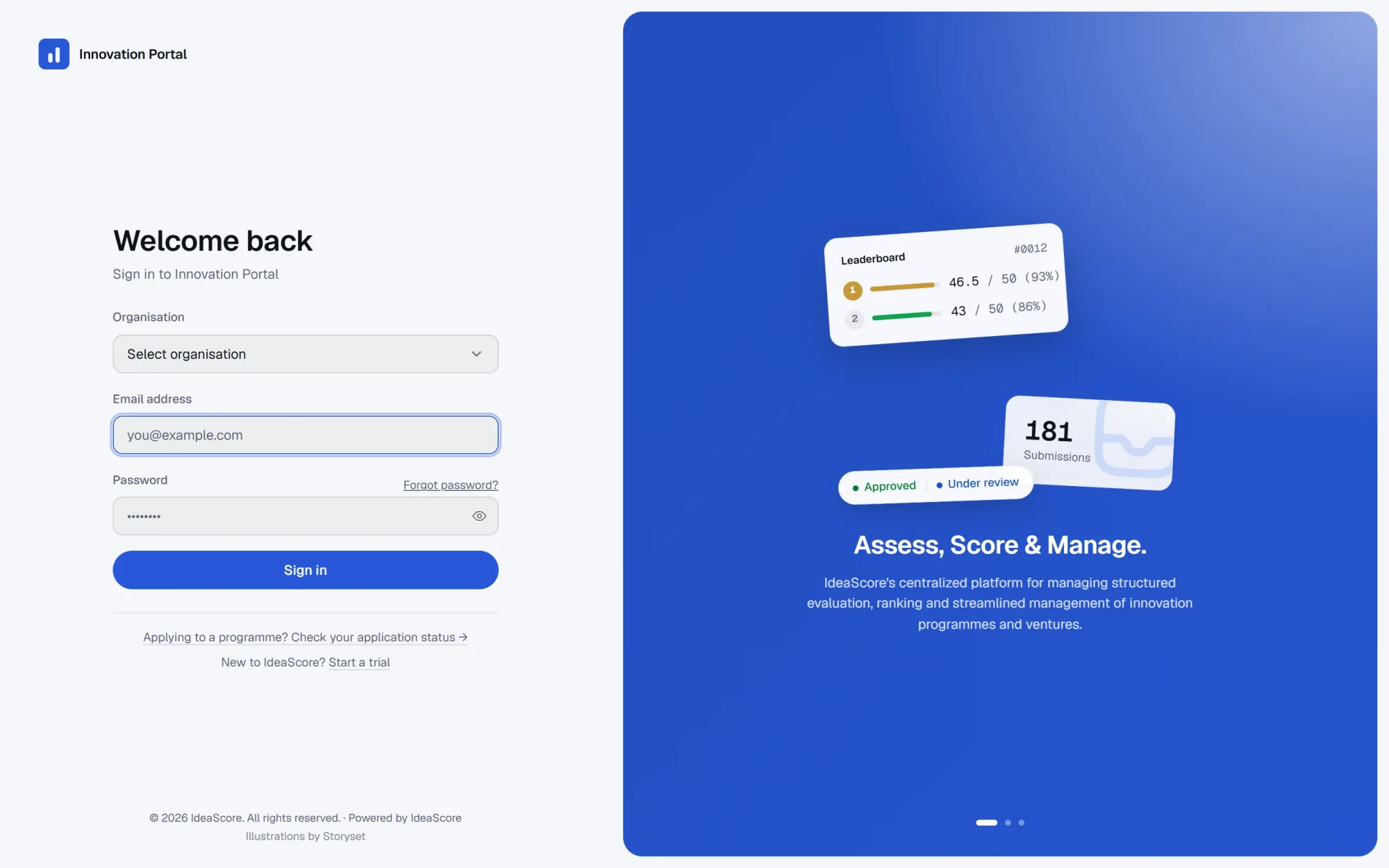
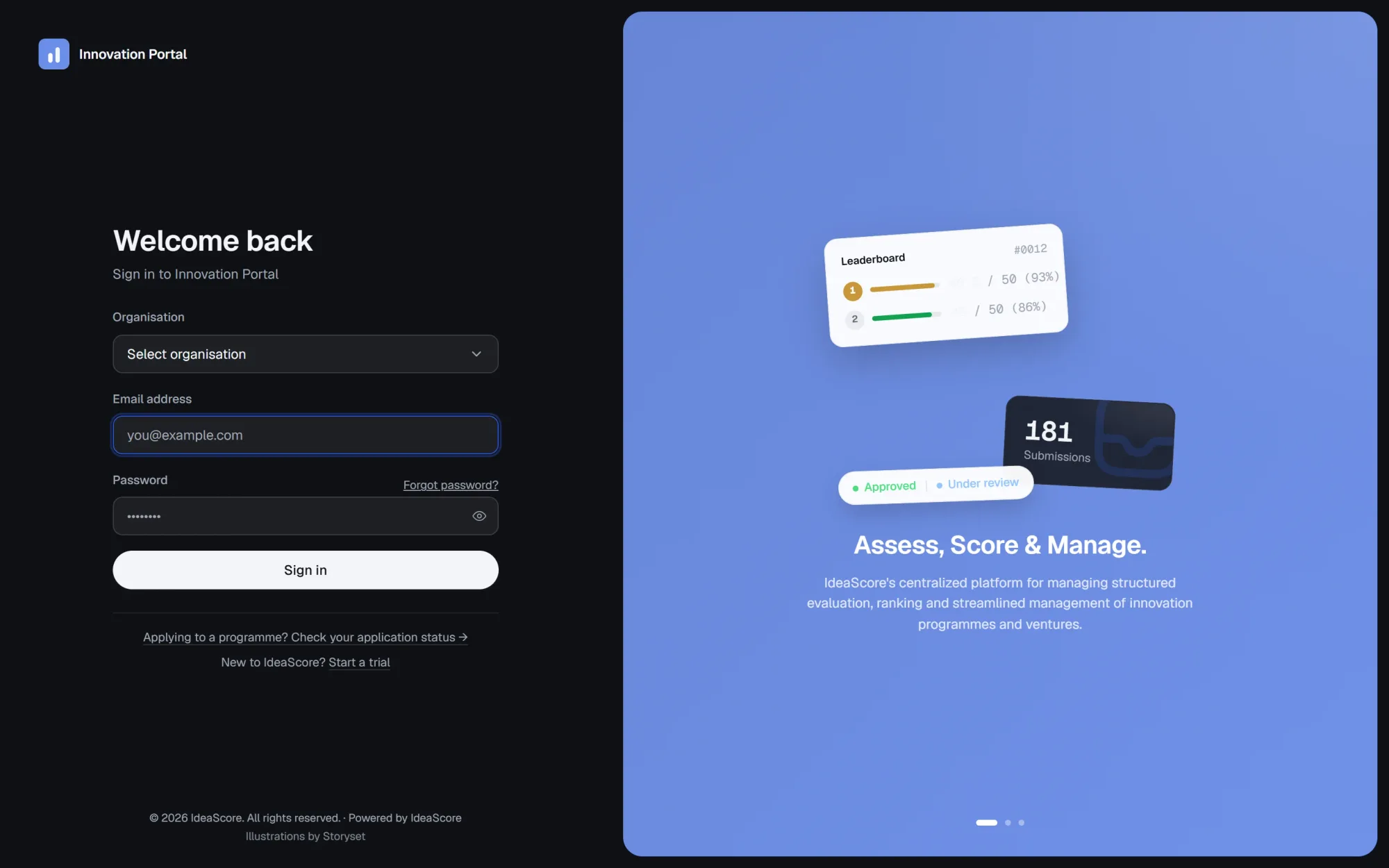
Five roles, an audit trail and a second check
Platform admin, organisation owner, programme admin, evaluator and applicant, each seeing only what their work needs. Sessions lock after inactivity, sensitive edits ask for the password again, and every consequential action is written to the audit trail. Backups run on a schedule, and email notifications keep people informed without anyone chasing.
Our cloud, or the server your IT team already runs
The cloud option is app.ideascore.online: provisioned in minutes, backed up and kept current by us. The self-hosted option is the same release in Docker, or Apache with PM2 on a virtual machine inside your network, under its own path. Data residency is a deployment choice rather than a paid add-on.
Nothing is ever deleted when a plan lapses
A subscription moves through four states and never deletes anything. A trial has the full feature set. Active applies the plan's limits. Grace keeps the workspace writable while an invoice is settled, with a visible warning. Read-only pauses editing but leaves every record intact and exportable, because a programme's data is the institution's, not ours.
Trial
Active
Grace
Read-only
Everything in the platform
Organisations
Plans and feature flags
Subscriptions
Invoices
Announcements
Onboarding checklist
White-label branding
Light and dark mode
Role-based access
Session lockout
Re-authentication
Audit trail and backups
On the roadmap
Single sign-on
Coming soonPublic API
Coming soon
Questions IT teams ask
What does self-hosting actually require?
Who owns the data?
Is single sign-on available?
What happens when a subscription lapses?
How much can we re-brand?
Can we move from your cloud to our own server later?
See IdeaScore run a call with your own rubric
A 30-minute walkthrough with a founder, using your programme's form and criteria.